
BrandStand
Resources
Practical advice, creative thinking, and stories from behind the work.

Guides & Downloads
Practical worksheets and guides to help you clarify your goals, plan your content, and decide what comes next.
Make the Right Video
Business Model Canvas
FMB Brand Checkup
Project Preparation
A little preparation helps us spend more time creating. Here’s what to gather before your project begins.
Preparing for a website project
Start with what your website needs to accomplish and who it needs to serve. Gather what you already have; we can help identify what’s missing.
- Your main business goals and priority services
- Existing logo files, brand colors, photos, and videos
- A rough list of pages and any available copy
- Features you need, such as inquiries, bookings, or online sales
- Your target launch date and designated project approver
Know who manages your domain and hosting. We’ll coordinate access securely when needed.
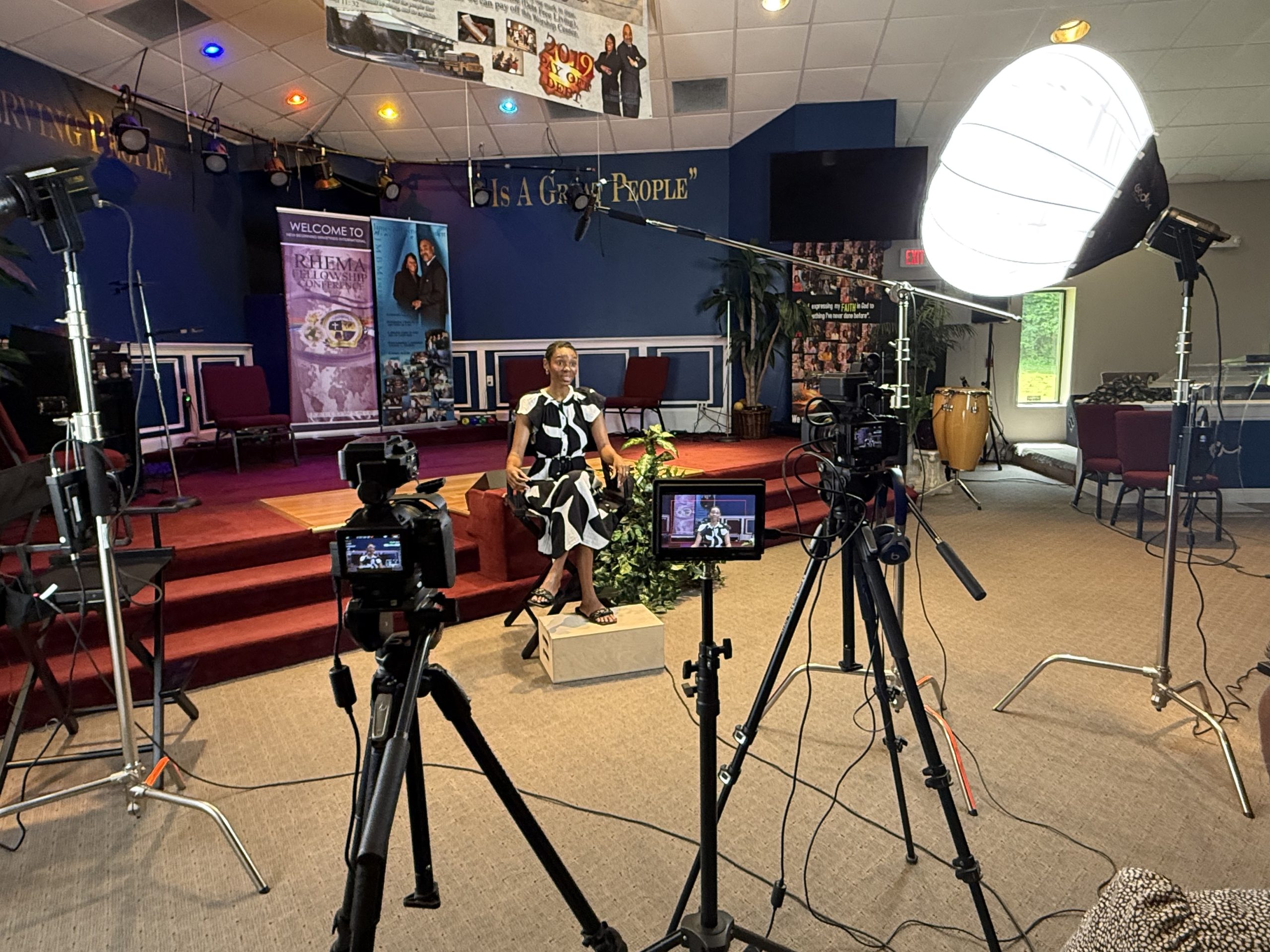
Preparing for a video shoot
Think about who needs to see your video, what they should understand, and what action you want them to take. We’ll use that direction to plan the shoot.
- Identify the people, products, or services to feature
- Choose a suitable location and flag any noise concerns
- Confirm participant availability and location permissions
- Gather customer stories, examples, and key talking points
- Tell us where the video will appear so we can plan the right formats
You don’t need a polished script before contacting us. We can help shape the story.
Preparing for brand photography
Plan around how you’ll use the images. A website banner, team portrait, product detail, and social post may each need a different composition.
- List the people, products, spaces, and activities to photograph
- Prepare locations and remove distracting clutter
- Coordinate clothing that fits your brand and setting
- Gather tools, products, or materials that help tell your story
- Identify priority images and upcoming campaigns
Let us know where text may sit over images so we can leave useful space when composing the shots.
Practical Marketing Tips
Simple ways to put your brand assets to work and get more use from the content you create.
Give every piece of content a job
Before creating something, decide what it should help someone understand or do. Is it introducing your business, explaining a service, answering a concern, or inviting an inquiry?
Try this: Complete the sentence, “After seeing this, I want my customer to…” Use that answer to guide the message and next step.
Turn one project into multiple assets
A customer success story can become a website feature, testimonial video, short social clips, an email, and a set of quote graphics. Plan those uses together so you capture the right material once.
Try this: Choose one completed project and outline three ways to share its challenge, your approach, and the outcome.
Make the next step obvious
Help people move forward with one clear action. “Request an Estimate,” “Explore This Service,” and “Download the Guide” tell visitors what to expect.
Try this: Review your most important website page. Can a first-time visitor quickly tell what you offer and what to do next?
Keep your content library organized
Store approved logos, current photography, finished videos, brand guidelines, and reusable copy in clearly named folders. Keep final files easy to distinguish from drafts.
Try this: Create one shared “Approved Brand Assets” folder, organize it by asset type, and assign someone to keep it current.